

Week 1: Basic Computer Operating Systems - Mac vs. Windows, IOS vs Android
Tuesday May 12, 2026 - 2:00 - 3:30
Follow along as we begin our course with a deeper dive into your device's most basic elements.
Every computing device has a method for adjusting its system settings. Although menus look different on a PC, Mac, phone, tablet or smart TV, the underlying categories are remarkably consistent across all computing systems.
Let's begin with Windows 11
In this series of Windows 11 training tutorials for beginners, we show you how to download Windows 11, how to install Windows 11, and what your system requirements need to be for you to be able to do so.
We then look at some of the main changes, such as the Windows 11 Taskbar and Start Menu and how you can Pin Items. Of course, we won’t forget about personalizing your Desktop with some fancy new desktop backgrounds available.
We also show you how to use Search and this cool feature called Multiple Desktops, which is like having several virtual desktops. We move on to Windows 11 Widgets and Snap Layouts before going over Taskbar Settings and Quick Settings.
We also talk about using File Explorer and the changes made in the Microsoft Store. We round it off by going over some built-in applications such as Teams and Edge.
CLICK HERE TO BEGIN (Click on the AGENDA link at the bottom of the video to view ALL of the tutorials in this series)
CLICK HERE to access a complete, step-by-step tutorial for beginners. This tutorial will guide you through everything you need to know. Whether you're upgrading from Windows 10 or using a new PC, we'll cover the Start Menu, taskbar customization, settings, troubleshooting, and hidden tricks to make your experience smooth and productive.
CLICK HERE - Windows 11 Tips & Tricks You Need to Know!
Mac OS 26.5.2
New to Mac? This course covers essential Macintosh tips and tricks for a smooth computer setup. Learn how to customize your experience and use MacOS tips to maximize your Mac computer! Switching from Windows to Mac is easier than you think!
CLICK HERE to Go to ALL the tutorials.
Just got a new Mac or looking to improve yours? Here are some essential Mac setup elements, including setting changes, apps, and tips and tricks. I've also included new macOS 26 Tahoe settings if you're looking to upgrade.
CLICK HERE to go to the Additional Tutorials
MacOS 26.5.2 Tahoe is Out! - What's New? - MacOS 26.5.2 Tahoe released and macOS Tahoe 26.5.2 out for everyone. macOS 26.5.2 brings the fourth major feature updates to macOS 26. CLICK HERE

iOS 26.5
Apple just released iOS 26.5—and this update brings a fresh new look, redesigned apps, smarter features, and helpful improvements that make the iPhone even easier to use. In this video, I’ll walk you through the highlights of iOS 26.5, show you what’s most useful for seniors, and share simple tips to make your iPhone more comfortable and reliable.
iOS 26 for Seniors: Everything You Need to Know - Beginners Guide - CLICK HERE
OS 26.5 is Out! - What’s New? - iOS 26.5 has been released to the public, and iOS 26.5 is out to everyone. iOS 26.5 brings the fifth major feature update, bug fixes, and security updates for iOS 26. iOS 26.5 adds RCS end-to-end encryption, updates to Maps, new keyboard options, new wallpaper, updates privacy and security, and brings big improvements and bug fixes. iOS 26.5 is Out! What's New? - CLICK HERE
My New Favourite Mac Apps - CLICK HERE
NEW iPad in 2026? First 22 Things To Do! (Tips & Tricks)- CLICK HERE
Android
A beginner tutorial for Android users specifically geared toward users coming from iOS / iPhones.
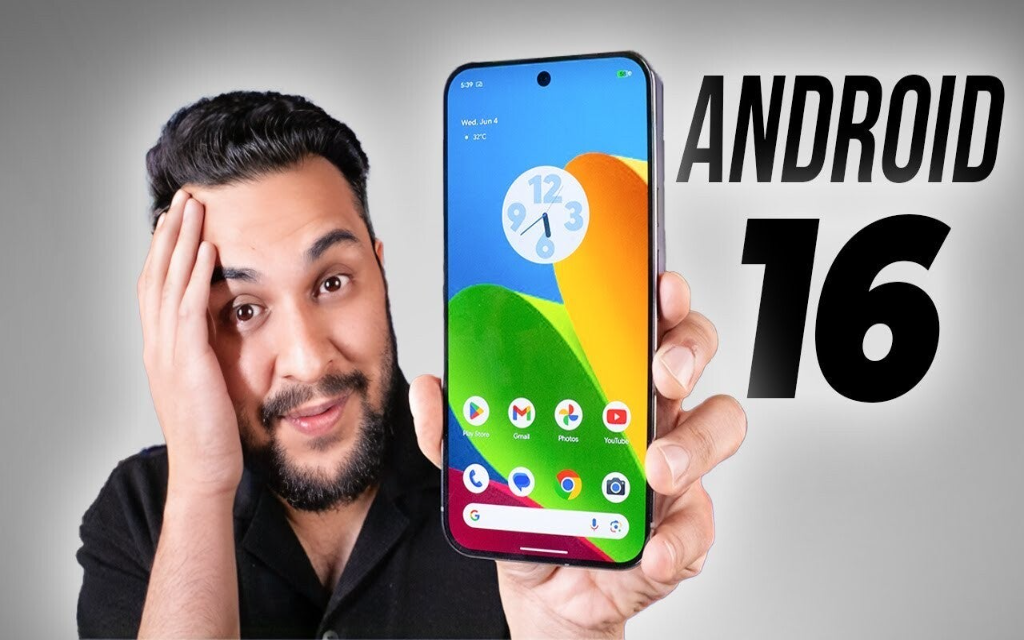
CLICK HERE to access the Android 16 Basic Tutorial.
CLICK HERE to access 10 Android 16 Settings You NEED To Adjust For Battery, Privacy & Speed
Create Your Own Website With Webador